

The Real Cost of Desktop Billing During Filing Season
Desktop GST software vendors quote attractive base prices, then hit you with filing season reality. Your ₹5,000 annual license becomes a ₹15,000 nightmare once you add mandatory modules for GSTR-3B preparation, priority support packages, and emergency mobile access subscriptions. The advertised price was just bait.
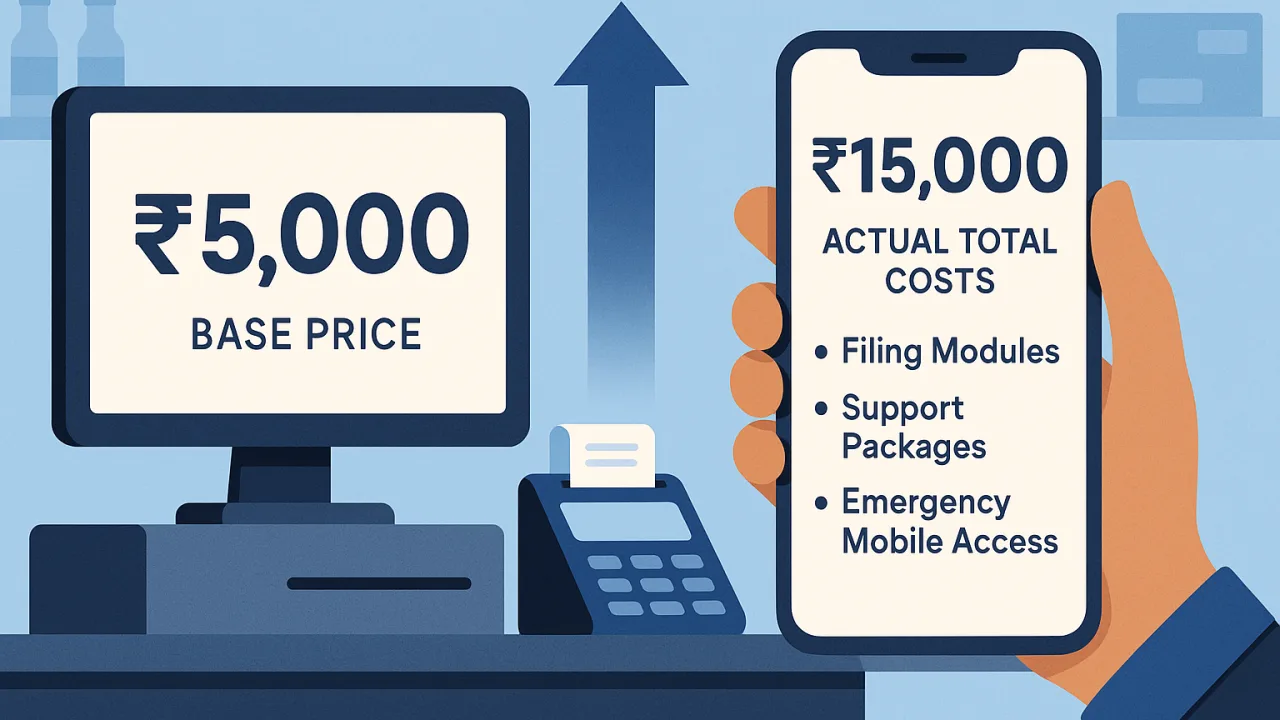
Visit any kirana store during March filing season. The desktop sits locked for three days while accountants extract GSTR-1 data. Counter service stops completely. That "affordable" software just cost you actual sales during your busiest period.
Mobile billing eliminates this seasonal chaos completely. No surprise fees, no system lockdowns, no filing season pricing games.
PocketGST Mobile Pricing: No Seasonal Surprises
PocketGST pricing works differently. One transparent rate covers your complete billing needs year-round. No filing modules to buy separately, no emergency access subscriptions, no accountant lockdown compensation fees that desktop vendors love adding during deadline crunch.
Your smartphone billing stays active throughout every filing period. GSTR-3B preparation happens in the background while counter operations continue normally.
Counter Access Stays Open During Filing Rush
Desktop systems become unusable for 2-3 days during each filing deadline. Accountants monopolize computers for data extraction while customers wait for bills. PocketGST mobile billing keeps your counter operational throughout all compliance periods without access interruption.
Evening rush hours coincide with filing preparation activities. Desktop coordination creates billing chaos exactly when you need maximum counter efficiency.
Single Rate Covers Complete Operations
PocketGST plans include full mobile invoice generation, GST calculations, and customer billing without seasonal restrictions. No filing-period limitations, no emergency backup subscriptions, no priority support surcharges that desktop software routinely demands during peak seasons.
Plans recognize actual kirana operations: counter access during business hours is mandatory, not optional. Desktop vendors treat counter lockdowns as acceptable during filing seasons.
Starter Plan Eliminates Desktop Dependencies
Single-counter stores need reliable billing without filing season cost explosions. Desktop software creates artificial dependencies that generate additional revenue for vendors during critical periods. Mobile billing breaks this cycle completely.
Starter coverage includes complete GST invoice generation on your smartphone without additional modules for compliance reporting. No emergency access fees when GSTR deadlines approach.
Business Plans Scale Without Desktop Chaos
Multiple locations amplify desktop billing problems exponentially during filing seasons. Each store location requires separate desktop coordination while accountants prepare returns. PocketGST business plans provide simultaneous mobile access across all locations without complex synchronization fees.
Each store maintains independent billing capability regardless of filing activities elsewhere. This eliminates the coordination nightmares that create additional licensing costs for multi-location desktop billing.
Filing Season Access Comparison
Calculate your actual lost sales during desktop lockdowns versus mobile billing costs. The pricing advantage becomes immediately obvious for active retail operations. Desktop billing creates artificial scarcity during your highest revenue periods.
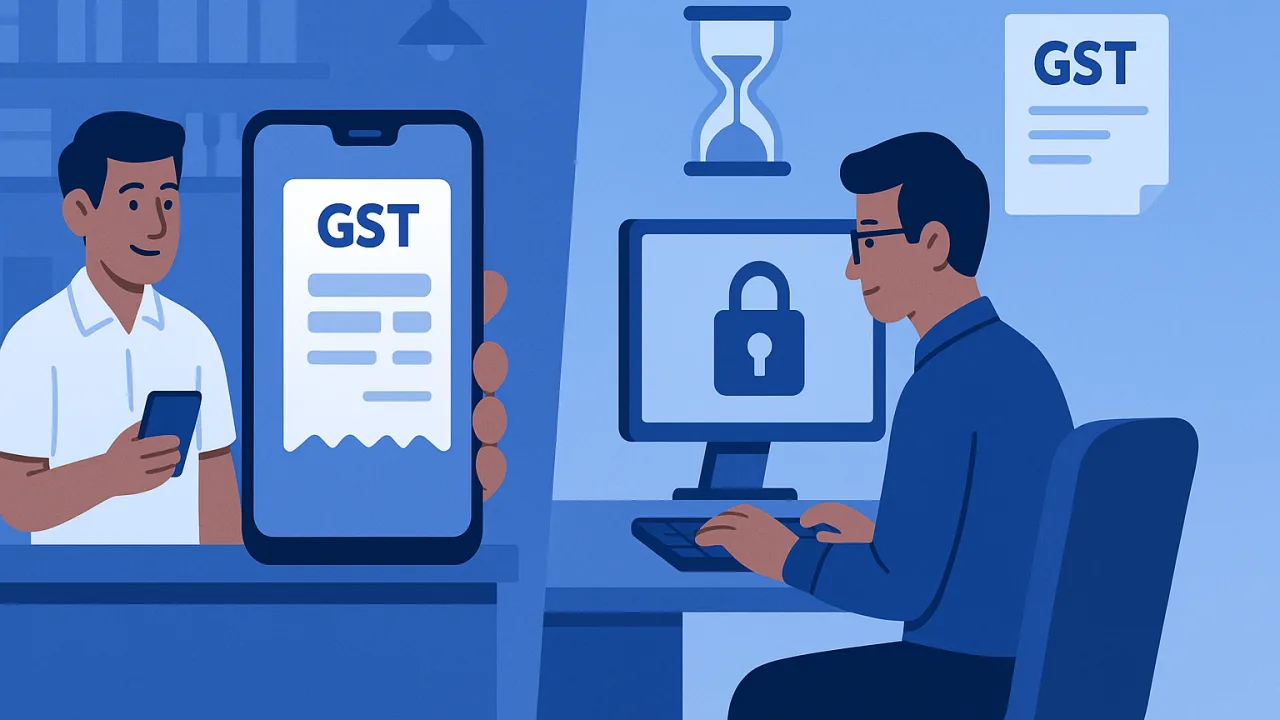
Peak Hour Billing Availability
Evening customers arrive precisely when accountants prepare GSTR returns on desktop systems. Desktop billing forces you to choose between compliance deadlines and customer service. Mobile billing eliminates this false choice entirely.
Smartphone billing ensures uninterrupted customer service during highest revenue periods without desktop coordination requirements that create seasonal access problems.
Why Transparent Pricing Works Better
Mobile billing pricing covers actual business operations without seasonal games. Desktop vendors use low base prices followed by essential add-ons during critical periods. This strategy maximizes vendor revenue while creating operational chaos for retailers.
Transparent monthly rates prevent filing season surprises. Your billing costs remain predictable regardless of compliance deadlines, accountant schedules, or filing preparation chaos that regularly disrupts desktop operations.
Counter Revenue Flows Continuously
Smartphone billing capability ensures continuous revenue generation regardless of filing deadlines or accountant activities. Counter access guaranteed year-round without seasonal restrictions that desktop systems routinely impose during compliance periods.
Mobile billing eliminates accountant monopolization costs entirely, preventing lost sales and emergency workaround expenses that desktop billing creates during every filing season.
Verify current GST compliance requirements on gst.gov.in, as procedures are updated regularly.


