

Why Kirana Stores Need Mobile-First GST Billing
Walk into any kirana store during evening rush hour and you'll see the problem immediately. Customers are lined up at the counter, the shopkeeper is juggling cash, cards, and UPI payments — and somewhere behind the mess sits a dusty computer that hasn't been touched since morning.
This is the reality disconnect that desktop GST billing software misses completely. ClearTax and similar platforms were built for accountants sitting in offices, not for shop owners managing counter chaos with their smartphones already in hand.
The question isn't whether you need GST-compliant billing — that's mandatory once your turnover crosses ₹40 lakhs. The real question is whether your billing solution fits how you actually run your business.
ClearTax's Desktop Legacy vs PocketGST's Mobile Focus
ClearTax: Built for Accountants and Offices
ClearTax started as a tax filing platform and expanded into billing software. Their desktop-first approach makes sense for chartered accountants managing multiple clients from dedicated workstations. You get comprehensive features, detailed reporting, and integration with accounting workflows.
But here's the catch — when did you last see a kirana store owner sitting behind a computer during business hours? The desktop paradigm assumes you have dedicated billing staff and a fixed checkout counter setup.
PocketGST: Designed for Shop Floor Reality
PocketGST takes the opposite approach. Everything starts with the assumption that you're using your smartphone at the sales counter, moving between customers, and handling multiple tasks simultaneously.
The mobile-first design means billing happens where the sale happens — not at a separate computer station. Generate GST invoices while talking to customers, send bills via WhatsApp immediately, and manage inventory updates as you restock shelves.
Real-World Billing: Counter vs Computer
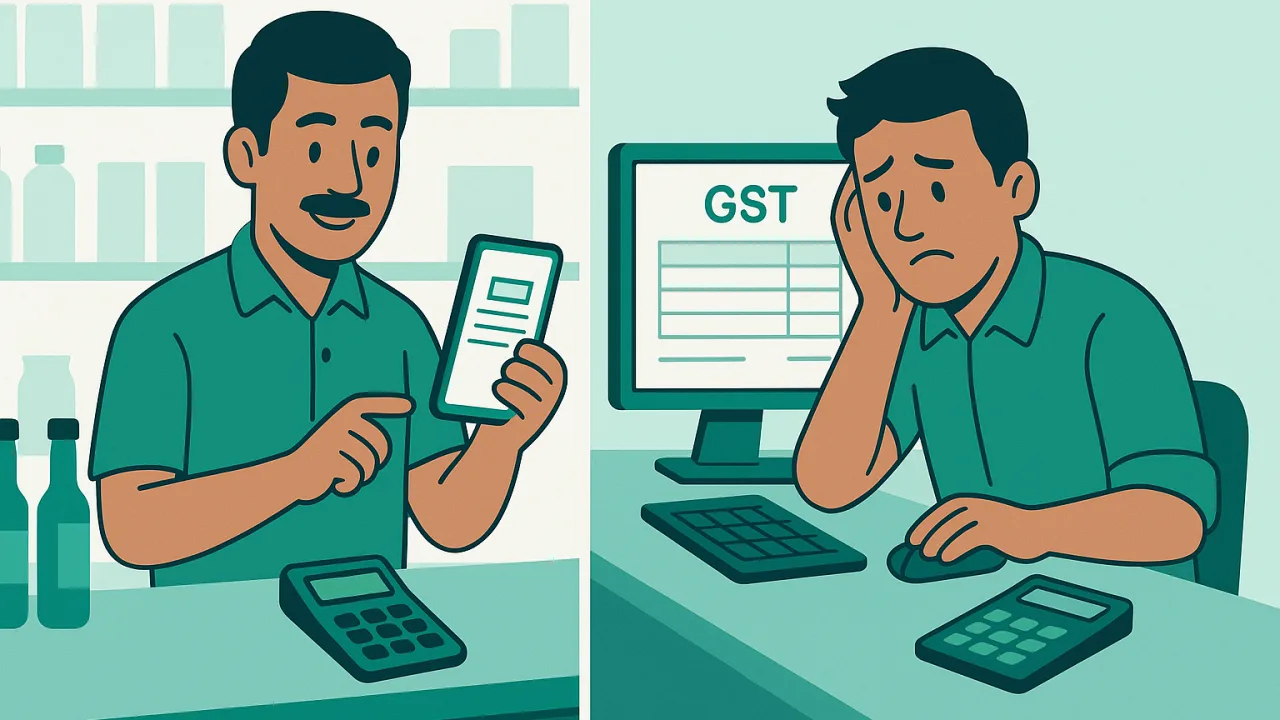
Speed Matters When Customers Are Waiting
Desktop billing software assumes you have time to sit down, open applications, and work through multiple screens. Mobile billing assumes you have 30 seconds before the next customer gets impatient.
Consider the evening rush scenario: five customers waiting, two asking for product availability, and a supplier calling about tomorrow's delivery. Desktop software forces you to choose between serving customers and maintaining proper GST records.
Mobile billing lets you scan barcodes, generate invoices, and process payments without leaving the counter or making customers wait. The difference in customer experience is immediately obvious.
Internet Connectivity and Offline Features
Desktop solutions often assume stable broadband connections. But many kirana stores rely on mobile data or Wi-Fi networks that cut out during peak hours or monsoon seasons.
Mobile-first platforms are built for intermittent connectivity. Generate invoices offline, sync when connection returns, and never lose sales data because the internet dropped at the wrong moment.
Cost and Setup: What Kirana Owners Actually Need
Pricing Models That Make Sense
Desktop GST software often comes with enterprise pricing — monthly subscriptions that assume high transaction volumes and multiple user accounts. Small retailers end up paying for features they'll never use.
Mobile billing platforms typically offer simpler pricing tied to actual usage. No point paying for unlimited users when you're the only person generating bills.
Training Time and Learning Curve
Teaching your staff (or yourself) to use desktop billing software means dedicated training sessions, printed manuals, and weeks of practice. Every new feature requires explanation and demonstration.
Mobile apps leverage interface patterns people already know from WhatsApp, UPI payments, and social media. The learning curve flattens dramatically when billing feels like using any other smartphone app.
The Mobile Advantage for Small Retailers
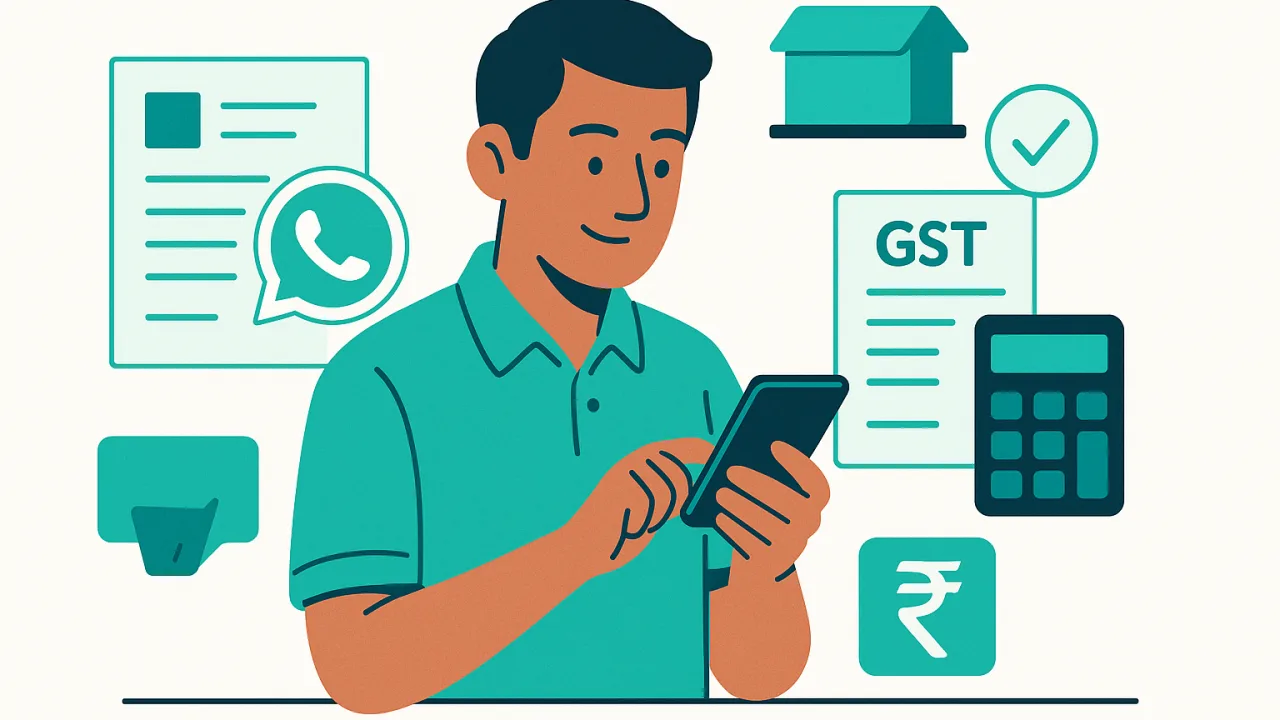
WhatsApp Integration and Customer Communication
Your customers are already on WhatsApp — they use it for everything from family chats to UPI payments. Mobile billing platforms integrate naturally with this ecosystem.
Send GST invoices directly through WhatsApp, follow up on pending payments, and share product catalogs without forcing customers to download separate apps or visit websites. Desktop solutions can't match this integration simplicity.
Inventory Management on the Go
Desktop inventory management happens at scheduled times — usually end of day or weekly stock updates. Mobile inventory management happens continuously as you work.
Update stock levels while unpacking supplier deliveries, check product availability while customers are asking, and track fast-moving items without returning to a computer terminal.
The mobile advantage isn't about having fancier technology — it's about having technology that fits how small retailers actually operate. When your business happens on the shop floor, your billing software should work there too.
Remember to verify GST compliance features on the official portal at gst.gov.in, as requirements continue evolving for different business types and turnover levels.


