

Filing Season Exposes Desktop Billing's Counter Takeover Problem
March filing deadlines reveal the truth about desktop billing software. Your accountant arrives with GSTR-1 requirements and commandeers the billing computer for three straight days. Customers walk in expecting normal service from a system that's completely locked for compliance work.
Download PocketGST mobile app before quarterly madness hits again. Your smartphone handles billing while desktop systems process filing separately. Counter service never stops for compliance deadlines.
Why Desktop Software Hijacks Your Sales System
Desktop billing treats your computer as an accounting workstation first, sales terminal second. The moment quarterly filing deadlines approach, your primary sales system becomes accountant territory.
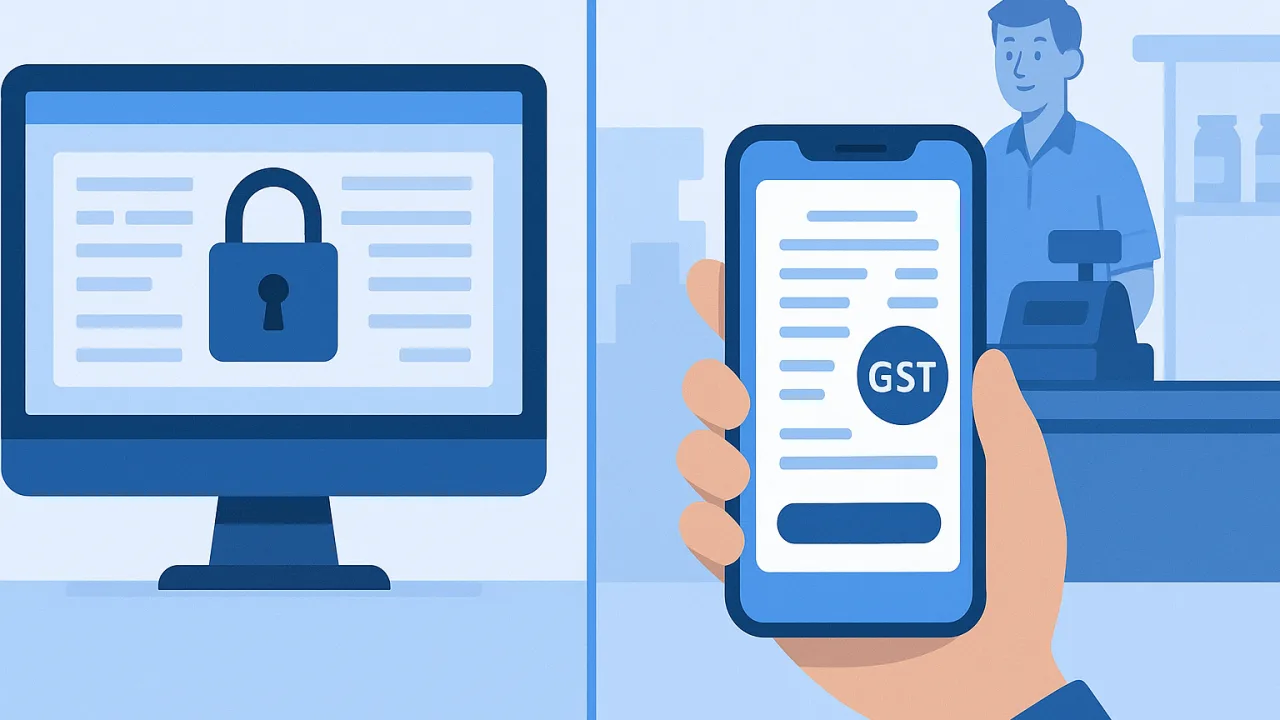
GSTR-1 Filing Creates Quarterly Lockdowns
January, April, July, October — identical problems every time. Accountants need uninterrupted access for multi-day data extraction sessions.
Counter operations halt completely. The billing computer that processed smooth transactions yesterday becomes unusable for sales today. Customers wait while you explain that expensive software is temporarily unavailable during filing season.
Store Floor Reality Check
Walk into any busy kirana store during March filing week. The desktop sits frozen with accounting software consuming system resources for annual return preparation.
Store owners manually write paper bills while their GST software handles compliance on a separate timeline. This quarterly cycle repeats because desktop vendors design systems assuming businesses can pause operations whenever accountants need data access.
Mobile App Eliminates Filing Season Conflicts
Mobile billing solves the fundamental conflict. Your smartphone handles customer transactions while desktop systems process compliance requirements independently.
No system lockdowns. No choosing between sales and filing deadlines.
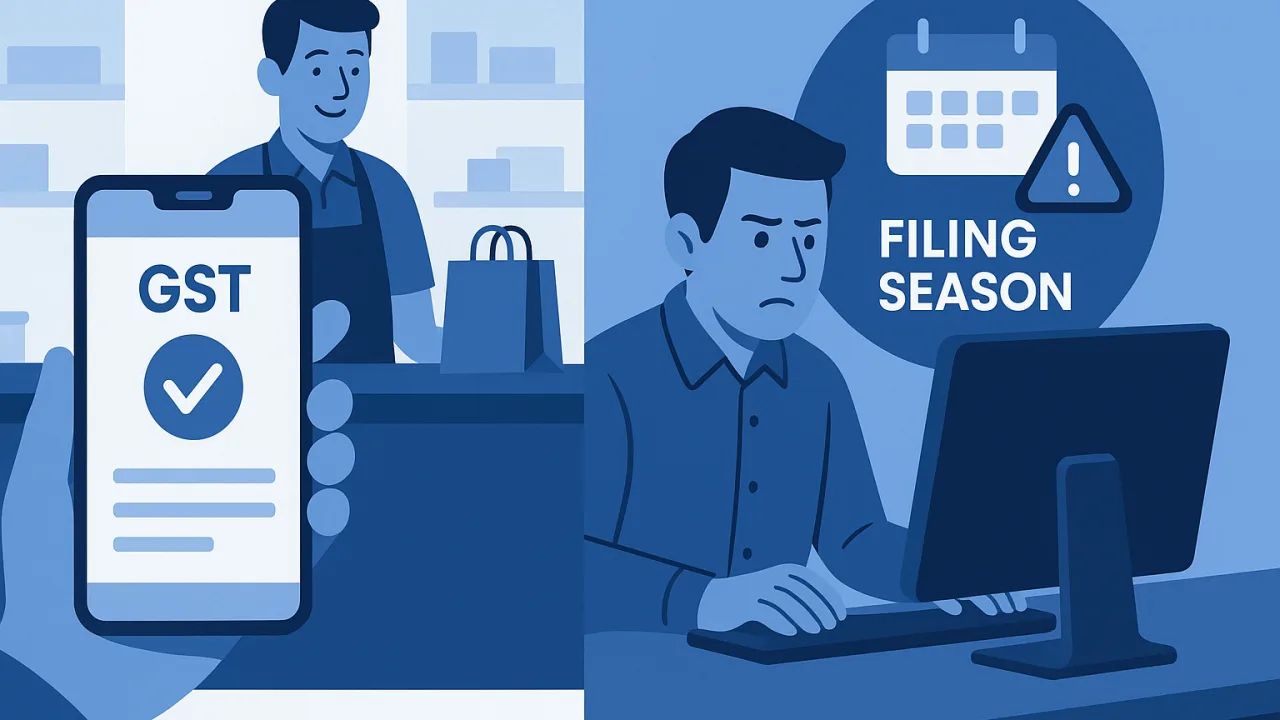
Two-Minute Download vs Desktop Deployment Disasters
Download PocketGST from your smartphone's app store during any quiet moment. Installation requires minimal setup compared to desktop software deployment complexity.
Mobile billing starts immediately. No server configurations, no IT support visits, no vendor demonstrations before basic functionality works. Account creation happens directly within the app interface.
Billing Continues Throughout System Processing
Your mobile app operates independently from desktop software compliance activities. Accountants extract quarterly data while you generate GST-compliant invoices from your smartphone throughout the entire filing period.
Customer transactions sync automatically once desktop processing completes. Sales data stays current for both immediate billing and future compliance without operational interruptions.
Installation Simplicity vs IT Project Complexity
Desktop software installation resembles enterprise IT deployment. Vendor technicians arrive with system requirements, database configurations, mandatory training sessions.
Your first invoice takes days to generate successfully. When did you last see a kirana store owner sitting behind a computer during business hours?
Mobile Setup: Scan, Start Billing
PocketGST eliminates traditional deployment complexity. Download the app, scan your business QR code, start billing immediately.
Your smartphone billing becomes GST-compliant instantly. Product catalogs, customer databases, invoice templates activate within the mobile interface without separate module installations or licensing fees.
Desktop Requirements: IT Support Dependencies
Desktop billing vendors require extensive setup before basic invoice generation works reliably. System administrators install databases, configure network access, purchase compliance modules, schedule training for simple counter operations.
Complexity continues throughout filing season when additional modules activate for quarterly reporting. Your simple billing requirement becomes enterprise software management with ongoing IT dependencies.
Download Now: Skip 2026 Filing Season Disruptions
Download PocketGST mobile app today and eliminate quarterly filing season disruptions permanently. Counter billing continues smoothly while compliance runs separately.
No more operational paralysis during GSTR filing deadlines. Mobile billing costs remain transparent throughout filing seasons — no surprise module fees or emergency access subscriptions that desktop vendors introduce during deadline pressure.
Always verify current GST rates and filing requirements on gst.gov.in since rules update frequently during annual budget cycles.


