

PocketGST Download: Beat the July Filing Season Phone Takeover
July GSTR-1 deadlines hit in three weeks. Your accountant will grab every computer in sight for compliance work while customers queue for bills. But this time, download PocketGST mobile app first.
Install during lunch break today before quarterly madness starts. When filing season arrives, your smartphone handles counter billing while accountants occupy desktop systems. Stop choosing between customer service and compliance deadlines.
Five-Minute Mobile Setup vs Three-Day Desktop Drama
Desktop billing installations require coordination meetings, technical support calls, and accountant approval. Mobile download works independently while you serve customers.
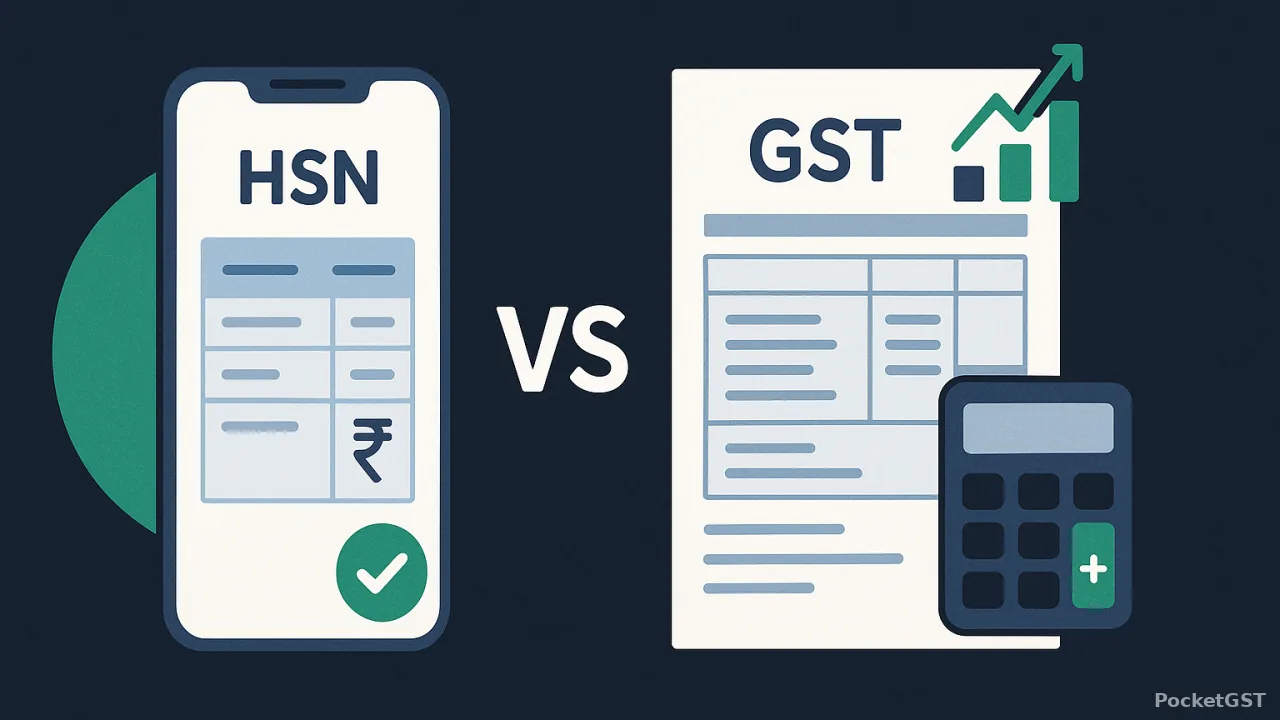
Google Play Store installation completes between transactions. No appointment scheduling or computer availability waiting. Your phone becomes a billing terminal instantly without disrupting current operations.
Zero Hardware Dependencies or System Conflicts
Any Android phone from recent years runs PocketGST billing. No RAM upgrades needed. No processor compatibility checks. Desktop software demands specific Windows versions that constantly create installation headaches.
Bluetooth printer connections work without cable management nightmares. Desktop setups fail during busy periods when USB drivers crash or ports stop responding.
Automatic Updates Without Business Disruption
Mobile app updates happen overnight without affecting billing operations. Desktop software updates require accountant coordination and temporary system shutdowns that kill sales momentum during peak hours.
Version conflicts disappear when your billing app updates independently. Desktop systems crash when multiple applications compete for resources during filing periods.
Installation Steps for Android Devices
Search "PocketGST" in Google Play Store and tap install. App permissions request camera access for barcode scanning and storage for invoice backup. Standard installation takes under two minutes.
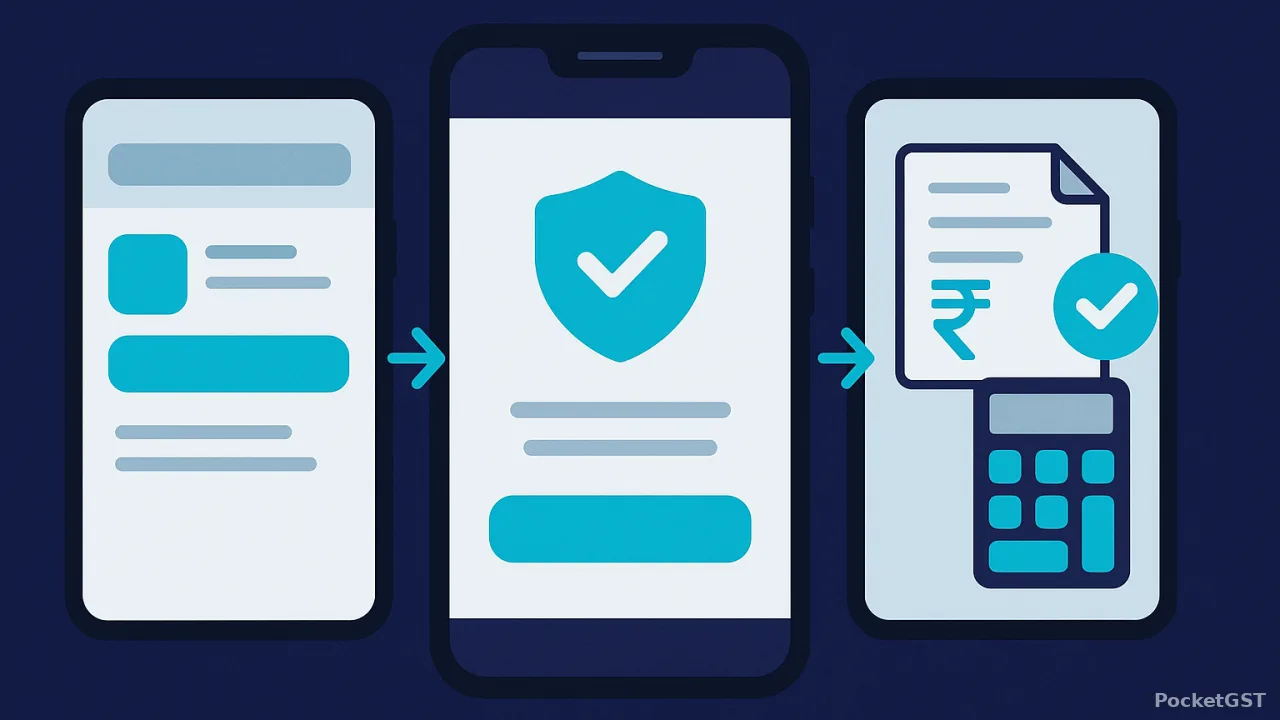
Basic configuration happens through simple forms. Enter shop name, GSTIN number, and start billing immediately. No database setup wizards or technical configuration menus to navigate.
Business Details Entry Through Touch Interface
Mobile keyboards handle text input faster than desktop data entry during counter rush. Touch screen navigation beats mouse clicking for quick information updates and customer details.
Logo upload works through phone camera or gallery selection. Desktop systems require image file management and resolution adjustments that waste time during setup.
GST Configuration With Built-In Rate Tables
GSTIN validation happens instantly without manual verification steps. HSN code suggestions appear automatically based on product descriptions. Tax rate selection uses dropdown menus linked to current GST rates without manual percentage entry.
State code setup enables automatic CGST/SGST splitting for local sales and IGST application for interstate transactions. Desktop billing often requires separate rate table uploads and configuration file modifications.
Why Download Now Beats Filing Season Panic
Desktop installations during compliance periods create coordination disasters. Accountants need exclusive computer access while you need billing systems operational. Mobile apps eliminate this conflict entirely.
Independence from Quarterly Computer Lockdowns
Filing deadlines transform desktop computers into accountant workstations for 48-72 hours minimum. Mobile billing continues uninterrupted while compliance work dominates existing systems.
Customer service maintains consistency during filing seasons. No more apologizing for billing delays while accountants occupy sales terminals for GSTR preparation.
No Accountant Permission Required for Installation
Mobile setup happens without touching desktop systems used for quarterly work. Accountants maintain control over compliance computers while you control smartphone billing independently.
Software conflicts vanish when billing and accounting operate on separate devices. Desktop crashes disappear when applications don't compete for the same system resources.
iOS and Alternative Platform Options
iPhone version development continues based on user demand. Android installation serves most kirana stores and small businesses effectively without iOS dependency issues.
Mobile web version works through Safari browsers for iOS users needing immediate billing solutions. Full app experience comes through Android devices with complete offline capability.
Download PocketGST before July quarterly deadlines arrive. Your smartphone stays in your control while accountants handle compliance on separate systems. Verify current filing requirements on gst.gov.in as regulations update frequently.


