

Download PocketGST App: Beat the Next Quarterly Filing Lockdown
April filing season just ended, and you know what happened. Your accountant seized the desktop billing computer for four straight days while customers waited for bills. The same crisis repeats every quarter because desktop software treats your sales terminal as an accounting workstation first.
Download PocketGST mobile app now during this calm period. When July GSTR-1 deadlines arrive, your smartphone handles counter billing while desktop systems stay locked for compliance. No more choosing between customer service and quarterly filing.
Installation Takes Five Minutes During Lunch Break
Google Play Store download works while you eat lunch. No desktop coordination needed with accountants or compliance schedules. Your smartphone becomes a billing terminal instantly.
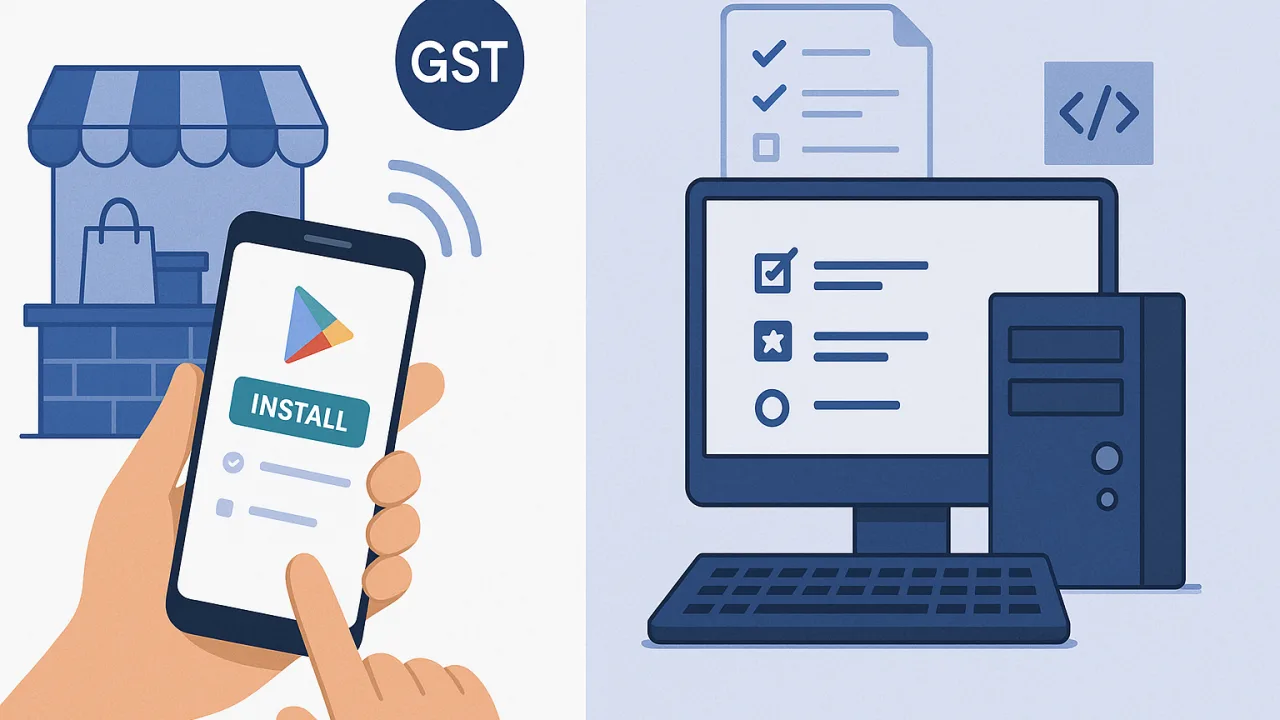
No Computer Conflicts During Setup
Mobile installation happens independently of desktop chaos. Accountants can't hijack smartphones for filing work like they do with billing computers. Your sales terminal stays protected from quarterly compliance takeovers.
Desktop software requires IT coordination, operating system compatibility checks, and accountant approval. PocketGST mobile app installs directly from your phone during any five-minute break.
Offline Billing Works During Network Issues
Your smartphone stores transaction data locally when internet fails. Counter operations continue during network maintenance or connection problems. Bills generate normally while connectivity restores in the background.
Desktop systems often freeze during filing season because compliance processes overload network connections. Mobile billing maintains independence from background data extraction activities.
July Filing Season Preview: Mobile vs Desktop Reality
Three months from now, identical problems return. Desktop billing locks for GSTR-1 preparation while evening rush customers expect normal service. Peak business hours clash directly with compliance timing.
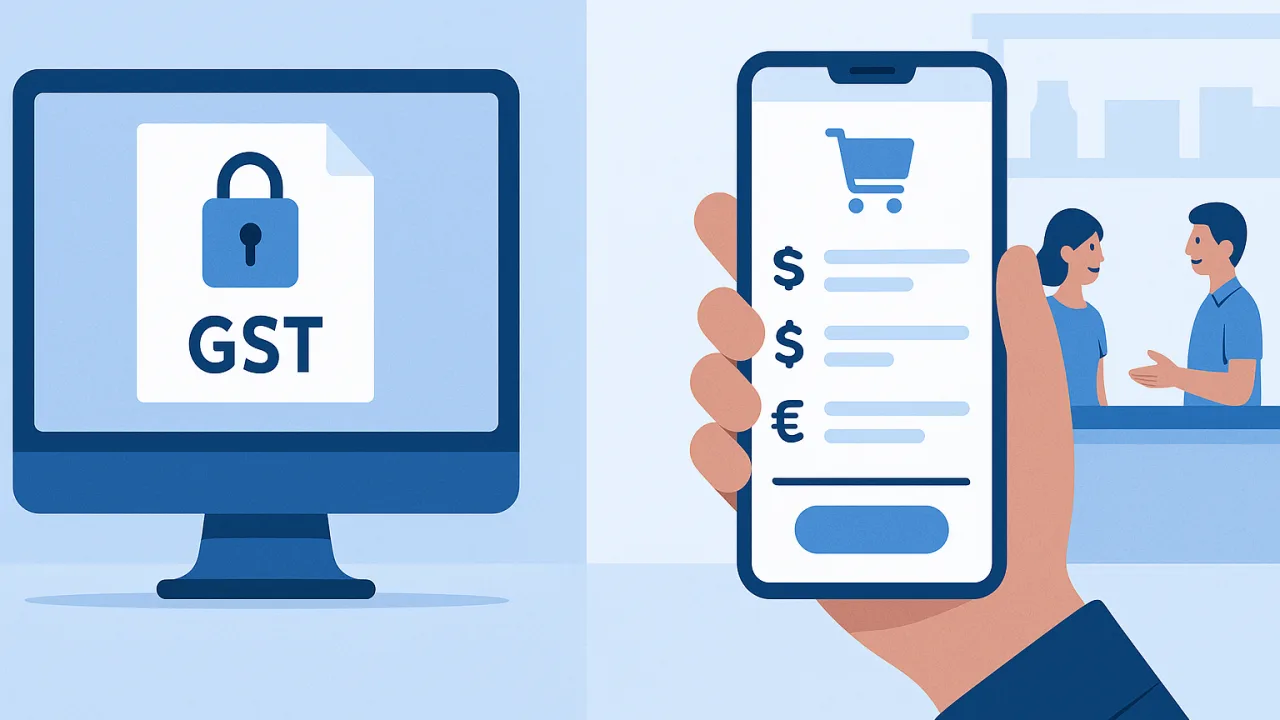
Smartphones Stay Dedicated to Sales
Mobile devices remain counter-focused exclusively. Accountants cannot commandeer phones for quarterly filing like they do with desktop computers. Your billing terminal functionality survives compliance periods completely.
PocketGST processes customer transactions at normal speed while GSTR data extraction runs on separate systems. No resource conflicts between immediate sales and background accounting work.
Download Before Quarterly Chaos Returns
May and June offer calm installation windows before July compliance pressure begins. Mobile setup completes without rushing around filing deadlines or accountant schedule conflicts.
Your smartphone billing system operates independently when desktop lockdowns start again. Customers receive consistent service regardless of quarterly compliance timing.
Counter Service Never Stops for GSTR Filing
Download PocketGST today while systems run smoothly. July filing season will test every billing setup again, and mobile apps win through device separation.
Desktop software creates impossible choices during compliance periods. Mobile billing eliminates the compromise between serving customers and meeting filing requirements. Both happen simultaneously on different devices.
Check current GST rates and filing requirements on gst.gov.in before next quarterly season begins.


